Plugins bundle your team’s tools, knowledge, and workflows into a single install so Claude shows up as a specialist from day one.
Skills
Domain knowledge and best practices baked in
Connectors
Claude connects to the tools your team already uses
Sub-agents
Specialized agents that handle specific tasks end-to-end
Supports every industry
Administrative
Generate a daily briefing that pulls from Slack, Notion, and GitHub to surface priorities and connections you’d miss scanning each platform separately.
Research & Analysis
Point Cowork at a market question and get an analysis with professional deliverables. Claude researches, calculates, and provides PowerPoint presentations or Excel workbooks.
Sales and GTM
Synthesize feedback from call transcripts, Slack, CRM notes, and Linear issues to identify cross-platform patterns and generate prioritized product ideas.
Legal & Compliance
Turn a folder of lawsuit documents into a chronologically organized exhibit set with descriptive titles and strategic importance assessment.
How it works
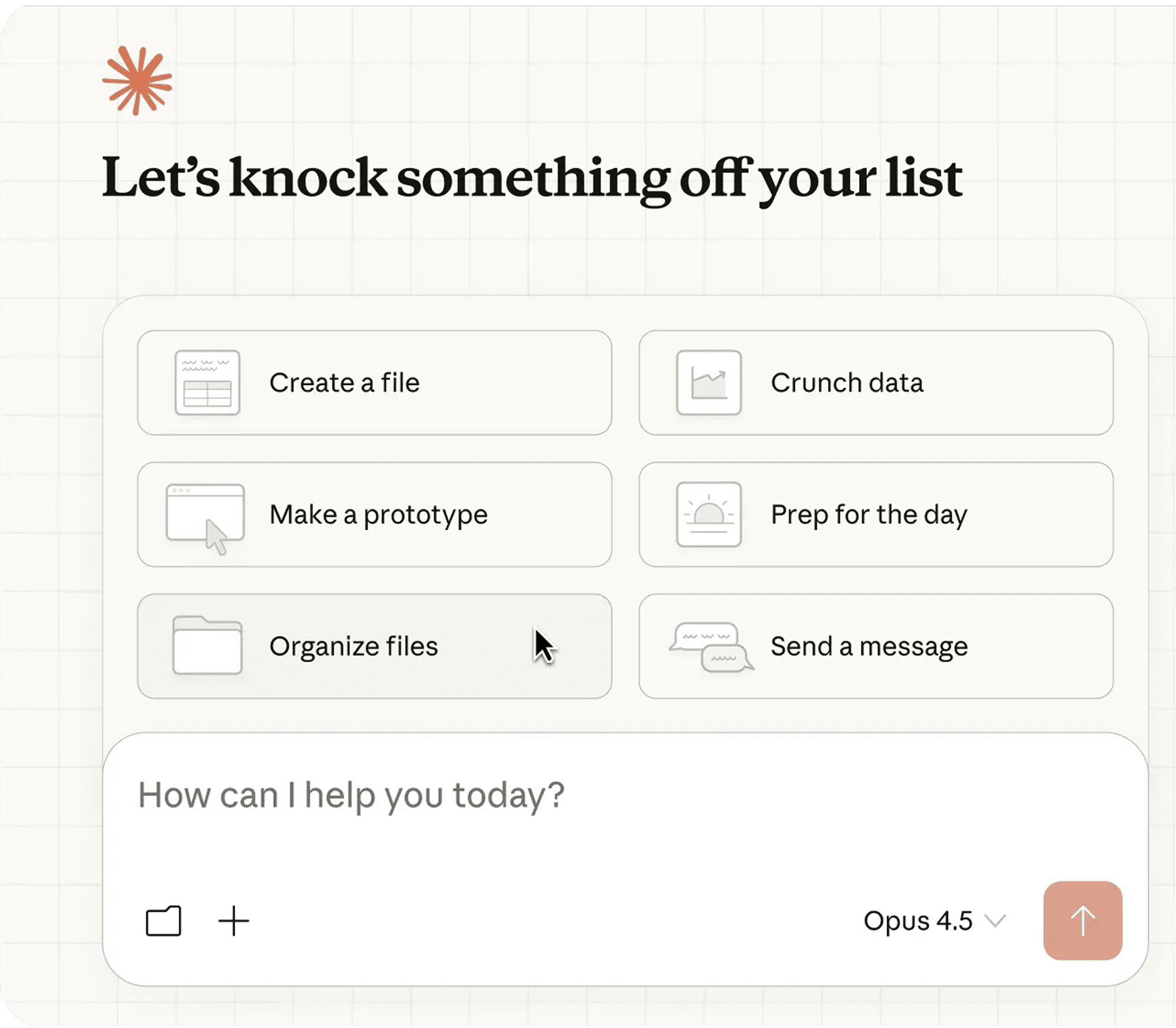
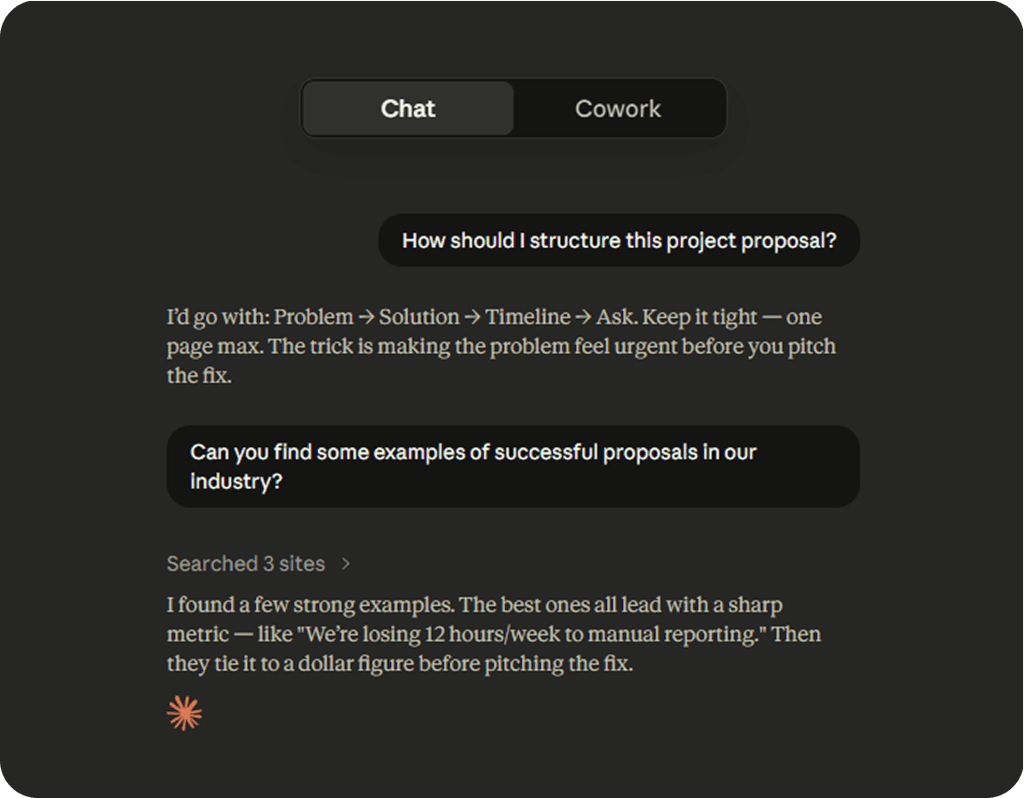
Find Cowork in your desktop app, alongside Chat and Code. Switch to Cowork when you want Claude to execute non-coding tasks.
Describe what you need
Tell Claude what you want from your desktop or phone. Claude picks the fastest path: a connector for Slack, Chrome for web research, or your screen to open apps when there’s no direct integration.
Claude does the work
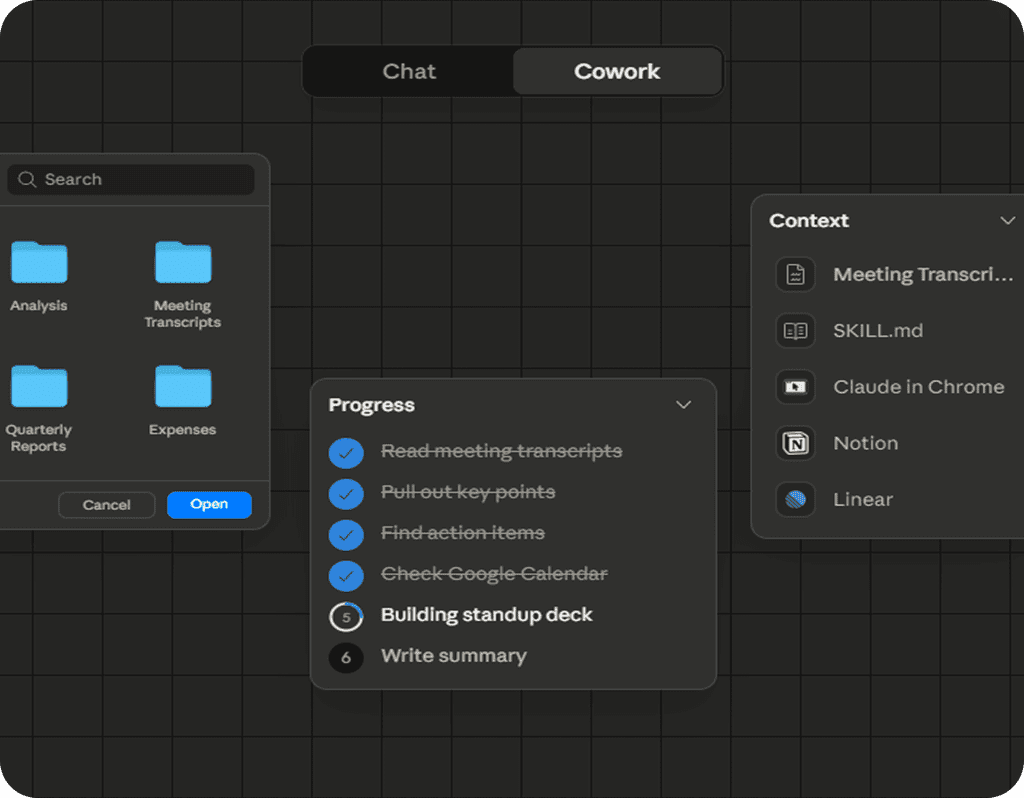
Claude works through each step, looping you in before anything significant. Watch in real time or walk away. For recurring tasks, tell Claude once and it handles the rest.
You’re in control
You choose which folders and connectors Claude can access. Before Claude acts, it shows you the plan and waits for your approval. Redirect, refine, or take a different approach at any step.
Plans Individual
Choose a plan, then download the desktop app to start using Claude Cowork.